
Artwork Guidelines
We are committed to delivering high-quality custom packaging boxes. To accomplish this goal, we require that all artwork be submitted in a format that meets our specific requirements.
When artwork is provided in the required format, it allows for an accurate, vibrant, and professional representation of your packaging as well as your branding.
To assist you in submitting artwork that meets our needs, please see the details below.
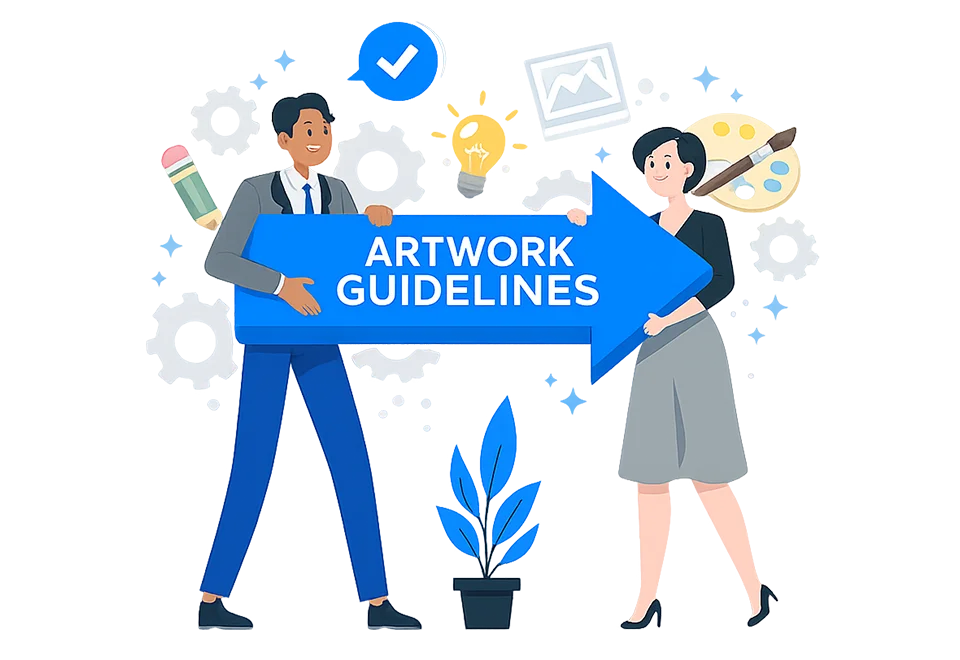
- To get the best possible outcome from your art project, it is advisable to send us the artwork in vector-based formats like AI or PDF.
- We recommend using either Adobe Illustrator or Canva for creating your vector file.
- If you have an existing vector file, then we recommend getting in touch with our design support team
- First so they can assist you on how to proceed next.
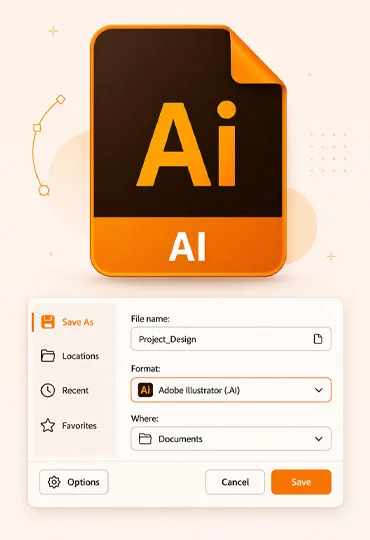
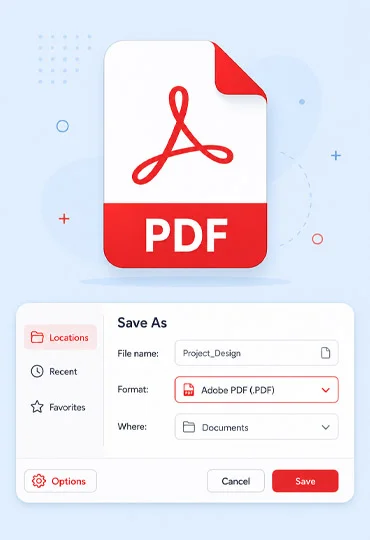
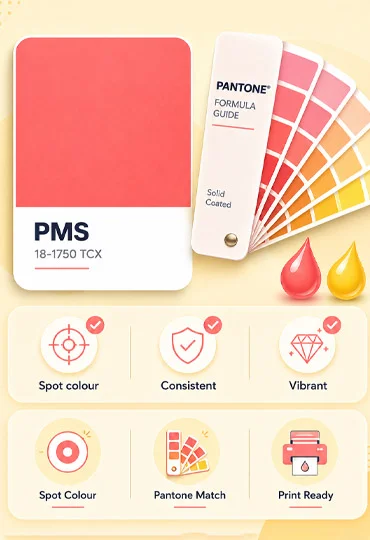
- We use two colour schemes, CMYK and PMS. Have a look at both of these schemes
- CMYK: It is recommended to use CMYK when your artwork includes multiple colours or images.
- PMS: It is recommended to use PMS when your artwork has solid backgrounds or is in one colour.
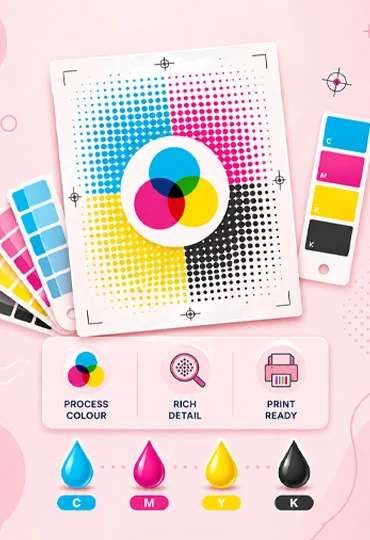
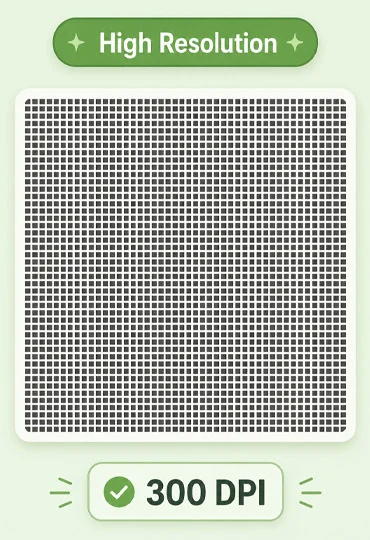
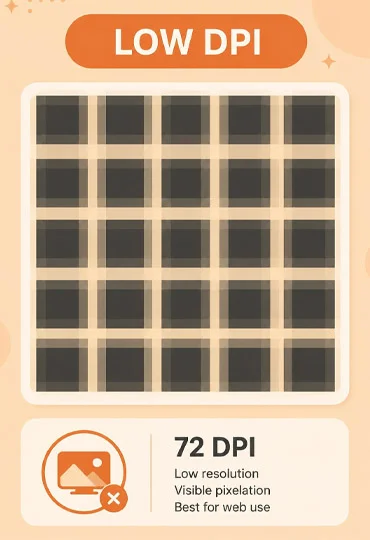
- Ensure that all pictures and illustrations are at least 300 DPI (dots per inch) to provide crispness and professionalism to your artwork. Images with lower DPI can appear as "pixelated" and be of poor image quality.
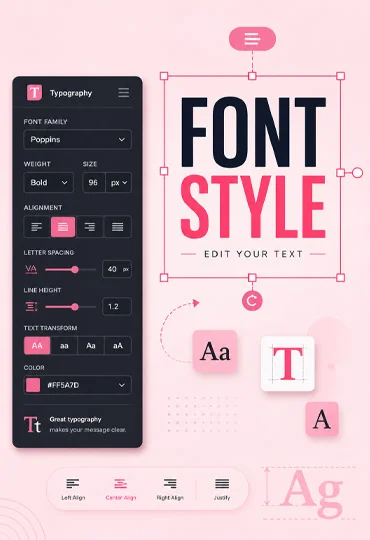
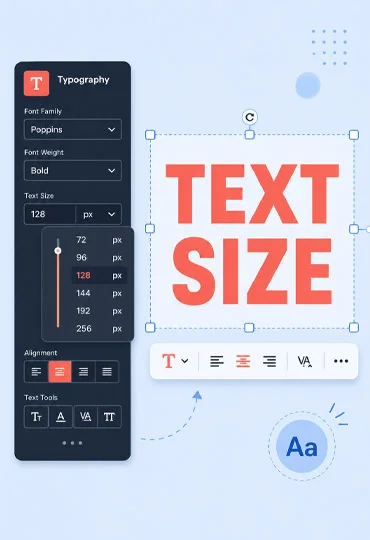
- Avoid font-related problems by ensuring you use correct typography for size when placing type on your artwork:
- Text Size: It is recommended to use a 4pt font size when adding typography to your packaging artwork.
- Font Style: Use a highly readable font when adding paragraphs or smaller text. For a single word or title, you may use any font style.
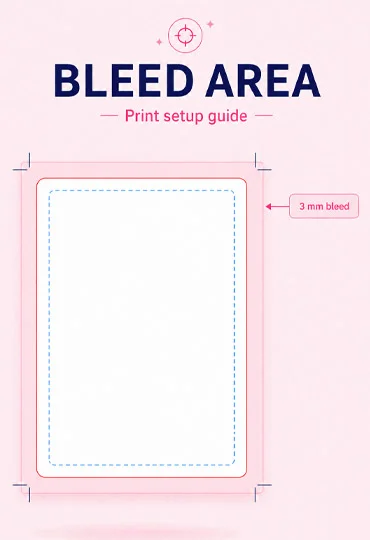
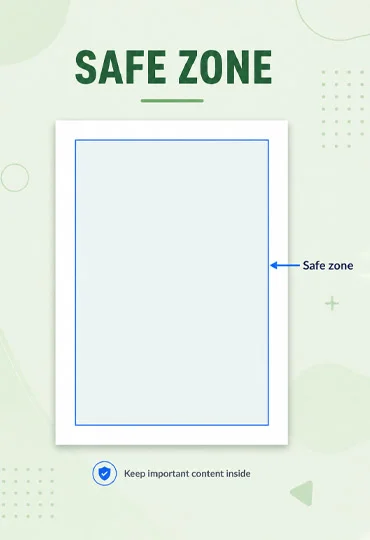
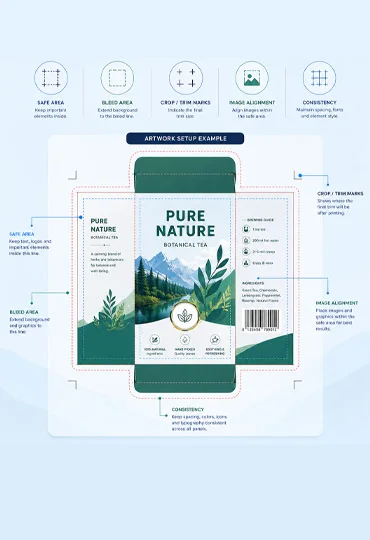
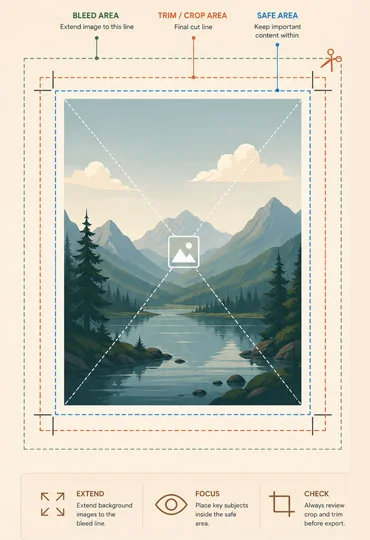
- To ensure your design applies to the packaging edge without unwanted borders, consider the factors below:
- Bleed Area: Extend your artwork 0.125 inches (3mm) beyond the trim line.
- Safe Zone: Keep essential elements (text, logos) at least 0.125 inches (3mm) inside the trim line.
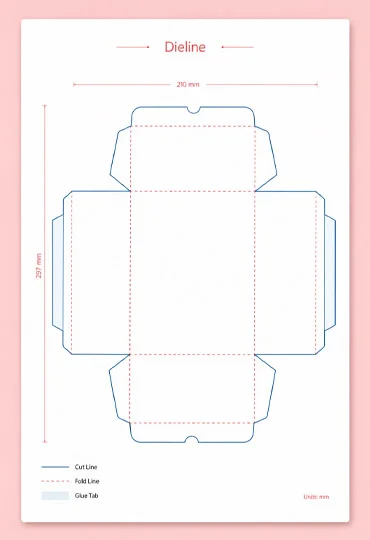
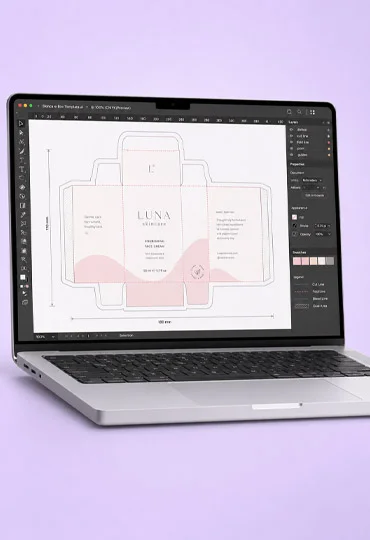
- Use our free dieline templates for accurate placement of your design elements and artworks. Each dieline template includes:
- Cut Lines: Indicating where the box will be trimmed.
- Fold Lines: Showing where the box will be folded.
- Bleed & Safe Zones: Guiding the extension and artwork placement.
- If you need a specific dieline, feel free to contact our designers team.
- To get optimum printing quality
- Image: Ensure all your images are embedded in your saved file.
- Graphics: All graphics must be at least 300 PPI.
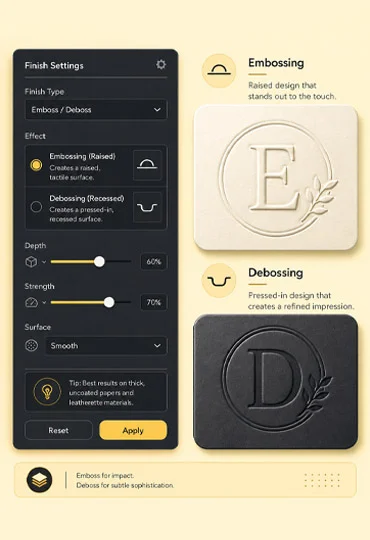
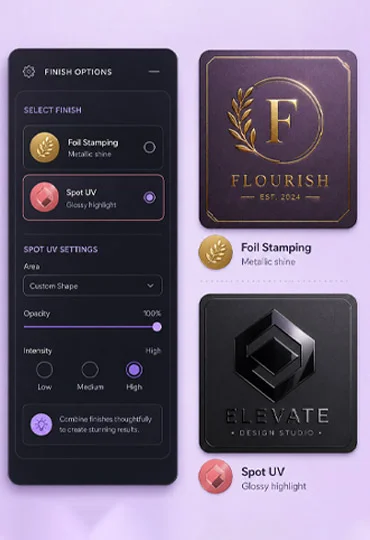
- If your artwork requires special finishes (foil stamping, Spot UV, embossing/debossing), ensure:
- Create separate layers for each effect and label them accordingly.
- Provide a clear description of the effect you need and its replacement in your design.
- Our packaging experts are always available to help you in designing your artwork. Contact us to ensure your box’s design meets your preferences.

Ready To Get Started
Our packaging experts are ready to help you create the perfect packaging solution for your products. If you have any questions about preparing your artwork files, don't hesitate to reach out.